RCWeb Graffiti Control App
The RCWeb Graffiti Control App (app/graffiti-control) is the remote companion to the main Graffiti canvas. Operating strictly within the Asymmetric Pattern, it converts a phone into a wireless spray can that supports both direct touch drawing and motion-based aiming with the device orientation sensor.
Icon
Screenshot
What it does
- Dual Input Modes: Supports classic touch or mouse drawing, while also offering a phone-only motion mode that uses the handset orientation sensor to aim a remote crosshair on the main wall.
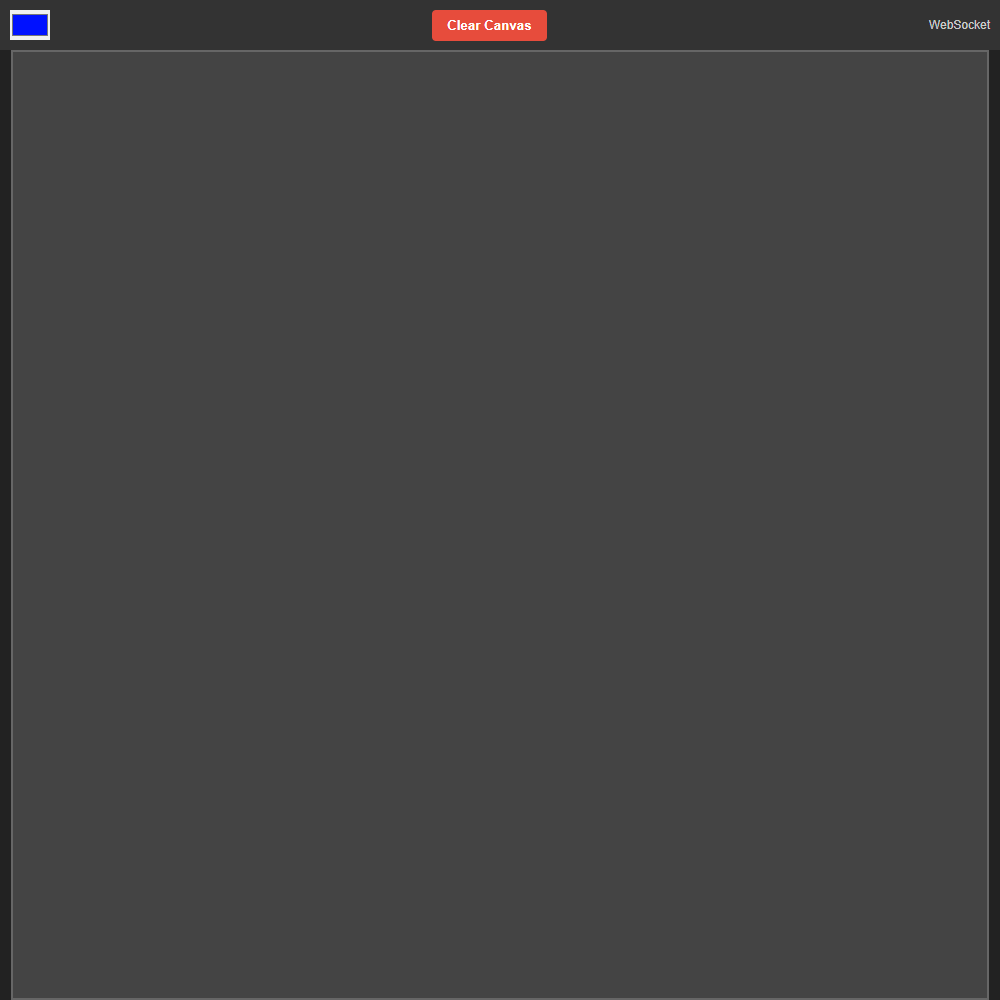
- Color Selection Interface: Equips the user with a standard HTML5 color picker. To make multiplayer distinguishing immediate, it automatically algorithmically randomizes its default color assignment when the app first loads.
- Geometric Canvas Alignment: Dynamically receives aspect ratio data beamed directly from the main viewer's screen, artificially resizing the smartphone's drawing bounds internally so that strokes behave precisely equivalently in both 16:9 and portrait situations.
- Motion Controls: On smartphone-sized touch devices it reveals dedicated
Enable MotionandRe-centercontrols so the player can start sensor input, redefine the neutral pose, and keep aiming comfortable. - Remote Spray Triggering: In motion mode, tilting and rotating the phone moves the viewer crosshair while touching and holding the controller surface continuously sprays paint at that aimed position.
How it works
The logic primarily revolves around event handling normalization and minimizing payload sizes down the WebSocket tunnel inside script.js.
- Input Normalization: It binds to both
touchandmouseevents. TheprocessEvent(e)normalizer uniformly extracts the primary interaction coordinate whether the user is painting with an index finger or a desktop mouse. - Optimized Payload Construction: For both drag drawing and motion spraying, it derives normalized start/end percentages relative to the matched controller surface. Coordinates are rounded to four decimal places before being transmitted to the viewer, reducing message size while keeping the cursor stable.
- Phone Motion Mapping: In motion mode it captures
DeviceOrientationEventreadings, stores a baseline when the controller is recentered, maps phone rotation and tilt into normalized screen coordinates, and pushes those coordinates to the viewer as a live aim cursor. - Continuous Spray Streaming: Holding a touch while motion mode is active repeatedly emits short paint segments from the last aimed point to the latest one, which makes the resulting path feel like a continuous aerosol spray instead of discrete taps.
- Direct Remote Execution: Commands are sent with RCWeb remote function calls such as
graffiti.drawLine,graffiti.setAimCursor, andgraffiti.clearCanvas, allowing the phone to directly drive the shared display without a separate REST API layer.